

Introduction
Every business has repetitive work. Employees spend hours entering data, moving files, answering routine emails, processing invoices, or updating customer records. These tasks are necessary, but they take valuable time away from more meaningful work.
This is where droven.io rpa and business automation become valuable. Automation allows businesses to reduce manual effort, improve accuracy, and help teams focus on higher-value activities.
In this guide, you’ll learn what robotic process automation is, how Droven.io fits into modern business automation, its benefits, limitations, practical examples, and best practices for successful implementation.
What Is Droven.io RPA and Business Automation?
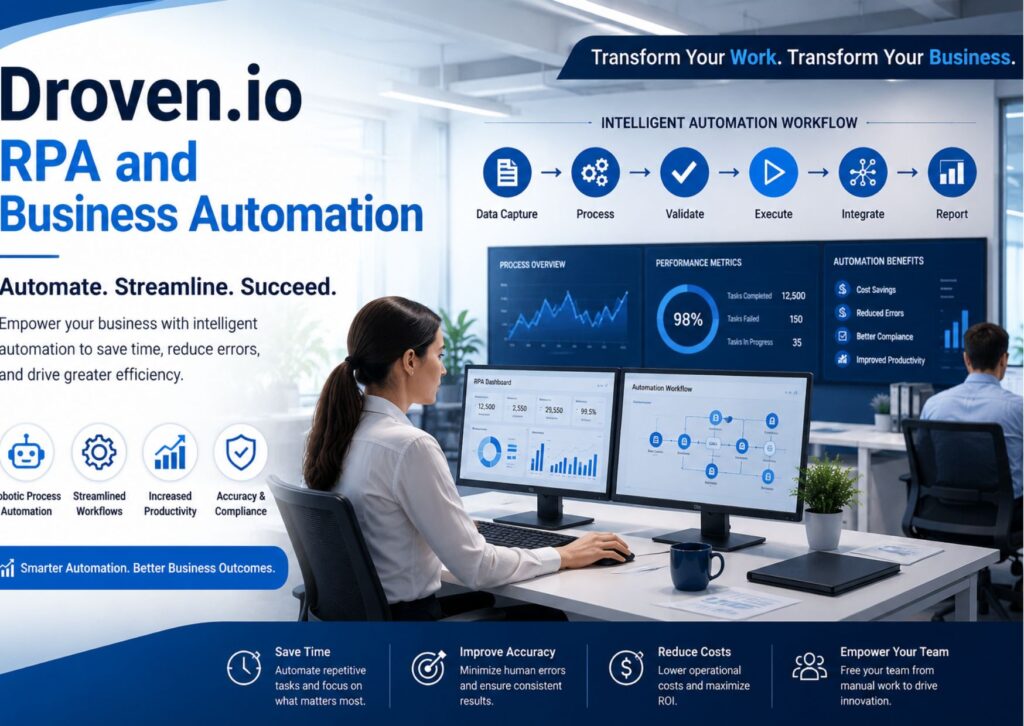
Droven.io RPA and business automation refers to using robotic process automation (RPA) and workflow automation technologies to perform repetitive digital tasks without constant human involvement. These software bots follow predefined rules to complete routine business processes, helping organizations improve efficiency, reduce errors, save time, and support digital transformation across departments such as finance, HR, customer service, and operations.
summary
- RPA automates repetitive computer tasks.
- Business automation connects multiple workflows.
- Automation reduces manual work and human errors.
- Employees spend more time on strategic work.
- Implementation works best when starting with simple processes.
- Businesses should automate repetitive tasks—not human decision-making.
Understanding Robotic Process Automation
Robotic Process Automation (RPA) uses software robots that imitate how people interact with computer systems.
Unlike physical robots, these digital bots work inside software applications.
For example, an employee might:
- Open an email
- Download an attachment
- Copy information
- Enter it into another system
- Save the file
- Send a confirmation email
An RPA bot can complete these same steps automatically.
The result is faster processing with fewer mistakes.
What Is Business Automation?
Business automation goes beyond individual tasks.
Instead of automating one action, it automates an entire workflow across multiple systems.
Examples include:
- Employee onboarding
- Invoice approvals
- Customer support requests
- Purchase orders
- Inventory management
- Sales lead tracking
Automation connects departments so work moves smoothly from one step to the next.
Why Businesses Are Investing in Automation
Organizations today face growing pressure to deliver services faster while controlling costs.
Automation helps by:
- Improving productivity
- Reducing operational costs
- Increasing consistency
- Shortening response times
- Supporting business growth
Instead of replacing employees, automation usually removes repetitive work so staff can focus on customer service, analysis, creativity, and problem-solving.
How Droven.io Supports Automation
Platforms focused on intelligent workflow automation generally combine several technologies.
These often include:
- Robotic Process Automation
- Workflow automation
- Process orchestration
- Data integration
- AI-assisted decision support
- Performance monitoring
Together, these capabilities help organizations automate everyday operations while maintaining visibility into business processes.
Key Features Businesses Should Look For
When evaluating automation platforms, organizations should consider several important features.
Easy Workflow Design
Modern automation platforms should allow users to build workflows with minimal coding.
Visual workflow builders help business teams automate processes without relying entirely on developers.
Integration with Existing Software
Most businesses already use multiple applications.
Examples include:
- CRM systems
- ERP software
- Email platforms
- Accounting tools
- Cloud storage
- HR software
Automation should connect these systems without requiring major infrastructure changes.
Process Monitoring
Dashboards help managers monitor:
- Completed tasks
- Failed processes
- Processing times
- Performance trends
This visibility allows continuous improvement.
Scalability
Automation should grow alongside the business.
A company may start with one workflow today and automate dozens more later.
Security
Business automation often handles sensitive information.
Good automation platforms include:
- User permissions
- Activity logs
- Encryption
- Compliance support
Real Business Examples
Automation becomes easier to understand with real examples.
| Department | Manual Process | Automated Process |
|---|---|---|
| Finance | Invoice entry | Automatic invoice processing |
| HR | Employee onboarding | Automated document collection |
| Sales | Lead assignment | Instant lead routing |
| Customer Support | Ticket sorting | Automatic ticket categorization |
| Operations | Inventory updates | Real-time stock synchronization |
These improvements save time while reducing repetitive manual work.
Benefits of Business Automation
Higher Productivity
Employees spend less time on repetitive administrative work.
Instead, they can focus on customer relationships, planning, and innovation.
Reduced Errors
Manual data entry naturally leads to mistakes.
Automation follows predefined rules consistently.
This improves data quality across business systems.
Faster Customer Service
Customers expect quick responses.
Automation can instantly:
- Route requests
- Send confirmations
- Update records
- Trigger follow-up actions
This shortens response times.
Lower Operating Costs
Reducing repetitive manual work lowers labor costs over time.
Businesses can process more work without proportionally increasing staffing.
Better Employee Experience
Few employees enjoy repetitive administrative tasks.
Removing routine work often increases job satisfaction because teams can focus on more meaningful responsibilities.
Easier Compliance
Many industries require detailed records.
Automation creates standardized documentation and activity logs that simplify compliance reporting.
Common Business Processes Suitable for Automation
Not every process should be automated.
The best candidates usually have:
- Clear rules
- Repetitive steps
- Digital inputs
- High transaction volume
Examples include:
Invoice Processing
Invoices arrive automatically, information is extracted, validated, and entered into accounting software.
Employee Onboarding
New hire documents are collected, accounts are created, and welcome emails are sent automatically.
Customer Support
Routine questions receive immediate responses while complex issues are assigned to specialists.
Order Processing
Customer orders move through inventory, payment, shipping, and notifications without manual intervention.
Data Migration
Automation copies information between systems quickly while reducing manual entry errors.
A Realistic US Business Example
Imagine a regional healthcare clinic in Texas processing hundreds of insurance claims every week.
Before automation:
- Staff manually entered patient information.
- Claims required repeated verification.
- Processing delays created longer reimbursement cycles.
After implementing workflow automation:
- Insurance data transfers automatically.
- Claims are validated before submission.
- Staff review only exceptions instead of every claim.
This allows employees to spend more time helping patients rather than handling repetitive paperwork.
Challenges to Consider
Automation offers many advantages, but it is not a perfect solution.
Poor Process Design
Automating an inefficient process simply makes the inefficiency happen faster.
Businesses should improve workflows before automating them.
Employee Training
Teams need training to understand new workflows and automation tools.
Change management plays a major role in successful implementation.
Maintenance
Business rules change.
Automation workflows require occasional updates to remain effective.
Integration Complexity
Older software systems may require additional integration work.
Planning ahead helps reduce implementation challenges.
Best Practices for Successful Automation
Organizations achieve better results by following proven strategies.
Start Small
Choose one repetitive process.
Measure results before expanding automation across departments.
Set Clear Goals
Examples include:
- Reduce processing time
- Improve accuracy
- Lower operating costs
- Increase customer satisfaction
Clear goals make success easier to measure.
Monitor Performance
Automation should be reviewed regularly.
Metrics might include:
- Processing speed
- Error rates
- Customer satisfaction
- Cost savings
Continuous monitoring leads to continuous improvement.
Involve Employees
Employees understand daily workflows better than anyone.
Their feedback helps identify valuable automation opportunities.
Business Automation vs Traditional Software
Traditional software helps employees complete tasks.
Automation software completes many of those tasks automatically.
For example:
Traditional accounting software still requires manual invoice entry.
Automation captures invoice information and enters it automatically before an employee even opens the application.
The difference is not replacing software—it is reducing manual interaction with that software.
Is Business Automation Right for Every Company?
Not necessarily.
Small businesses with only a few manual tasks may see limited benefits initially.
However, growing organizations often gain significant value once repetitive work begins consuming employee time.
Businesses experiencing rapid growth usually benefit the most from structured automation strategies.
Future Trends
Automation continues evolving beyond simple rule-based workflows.
Emerging trends include:
- AI-assisted automation
- Intelligent document processing
- Predictive workflow optimization
- Conversational AI
- Low-code automation platforms
- Hyperautomation strategies
These technologies help businesses automate increasingly complex processes while maintaining human oversight where needed.
Frequently Asked Questions
What is robotic process automation?
Robotic process automation is software that performs repetitive digital tasks using predefined rules. It interacts with applications the same way employees do but works faster and with greater consistency.
Businesses commonly use RPA for data entry, invoice processing, report generation, customer service workflows, and system integrations.
How does business automation differ from RPA?
RPA automates individual tasks, while business automation manages complete workflows across multiple departments and systems. Business automation often combines RPA with workflow management, integrations, and process monitoring.
Together, these technologies improve efficiency throughout an organization rather than automating isolated activities.
Can small businesses benefit from automation?
Yes. Small businesses often automate repetitive administrative tasks before expanding into larger workflows. Starting with one high-volume process allows companies to measure results before making larger investments.
Automation can save time even for businesses with limited staff.
Does automation replace employees?
No. Automation typically handles repetitive work while employees focus on decision-making, customer relationships, creative work, and problem-solving.
Many organizations use automation to improve employee productivity rather than reduce headcount.
What industries use business automation?
Finance, healthcare, manufacturing, retail, insurance, logistics, education, and professional services all use automation to improve efficiency.
Any industry with repetitive digital processes can potentially benefit from workflow automation.
Conclusion
Business automation is no longer limited to large enterprises. Companies of every size are looking for practical ways to reduce repetitive work, improve accuracy, and help employees focus on tasks that create real value. Understanding droven.io rpa and business automation is a strong first step toward building more efficient workflows and supporting long-term business growth.
Rather than automating everything at once, begin with one repetitive process, measure the results, and expand gradually. A thoughtful approach usually delivers better outcomes than trying to automate every workflow immediately.
Also read this: